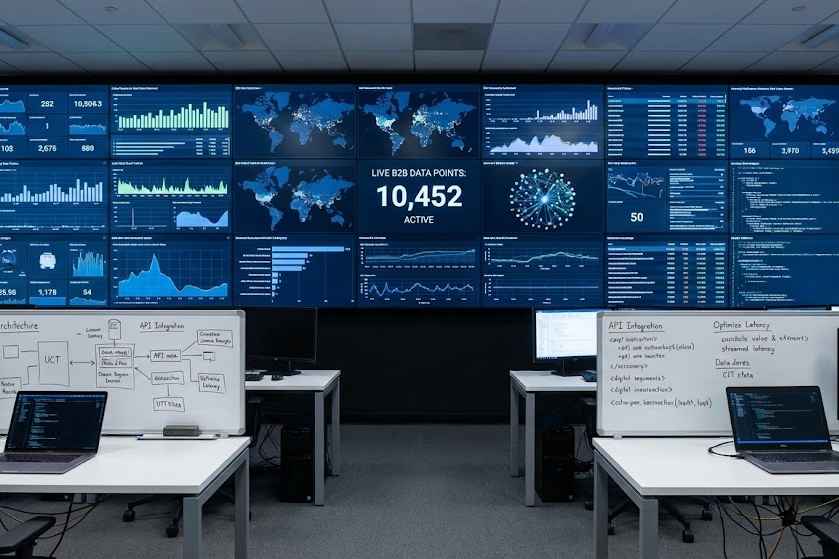
Building a marketing site is one thing; building a B2B dashboard that visualizes 10,000+ live data points is another. We often inherit React codebases that suffer from "UI freeze"—where the interface becomes unresponsive during data updates. Here is how we engineer high-performance frontends for our SaaS and IoT clients.
-
Virtualization is Non-Negotiable The DOM is slow. If your table has 5,000 rows, rendering them all at once is a death sentence for browser memory. We implement "Windowing" (using libraries like react-window or tanstack-virtual) to only render the items currently visible in the viewport. This keeps the DOM node count low and the scroll performance buttery smooth.
-
Aggressive Memoization In complex dashboards, unnecessary re-renders are the silent killer. We utilize React.memo, useMemo, and useCallback strategically. However, blind memoization adds overhead. We use profiling tools to identify specific sub-trees that are rendering wastefully and only apply optimization there.
-
Offloading to Web Workers For heavy data transformation (e.g., sorting a massive JSON array or parsing CSVs), doing it on the main thread blocks UI interaction. We move these heavy computations to Web Workers, running them on a background thread. This ensures that even while the data is crunching, the user’s buttons and inputs remain responsive.
Conclusion Performance is a feature. In B2B contexts, a slow dashboard is perceived as a broken tool. By applying these engineering standards, we ensure our applications scale with your data.